
ioZen Docs
What ioZen does,
step by step
Short guides with screenshots of today's app, in English and Spanish. Start by creating your first FlowApp, or search for what you need.
Start here
Three guides, about 12 minutes in all.
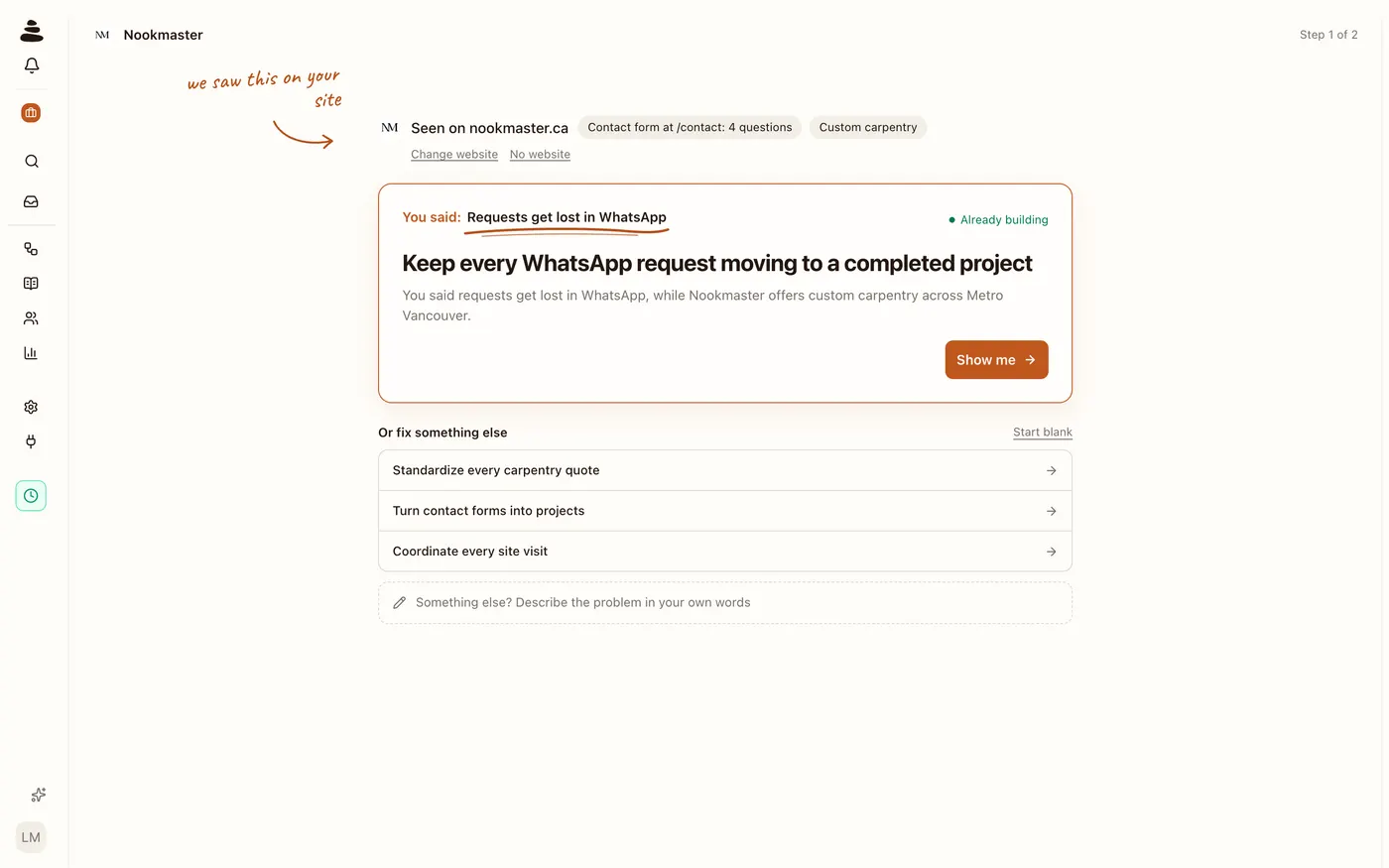 Create your first FlowAppTell ioZen about your business, pick what to solve, and Zen, ioZen's AI, builds an Intake Bot that answers your customers and a Process Board where every case lands, and shows it to you step by step. Nothing to set up first.
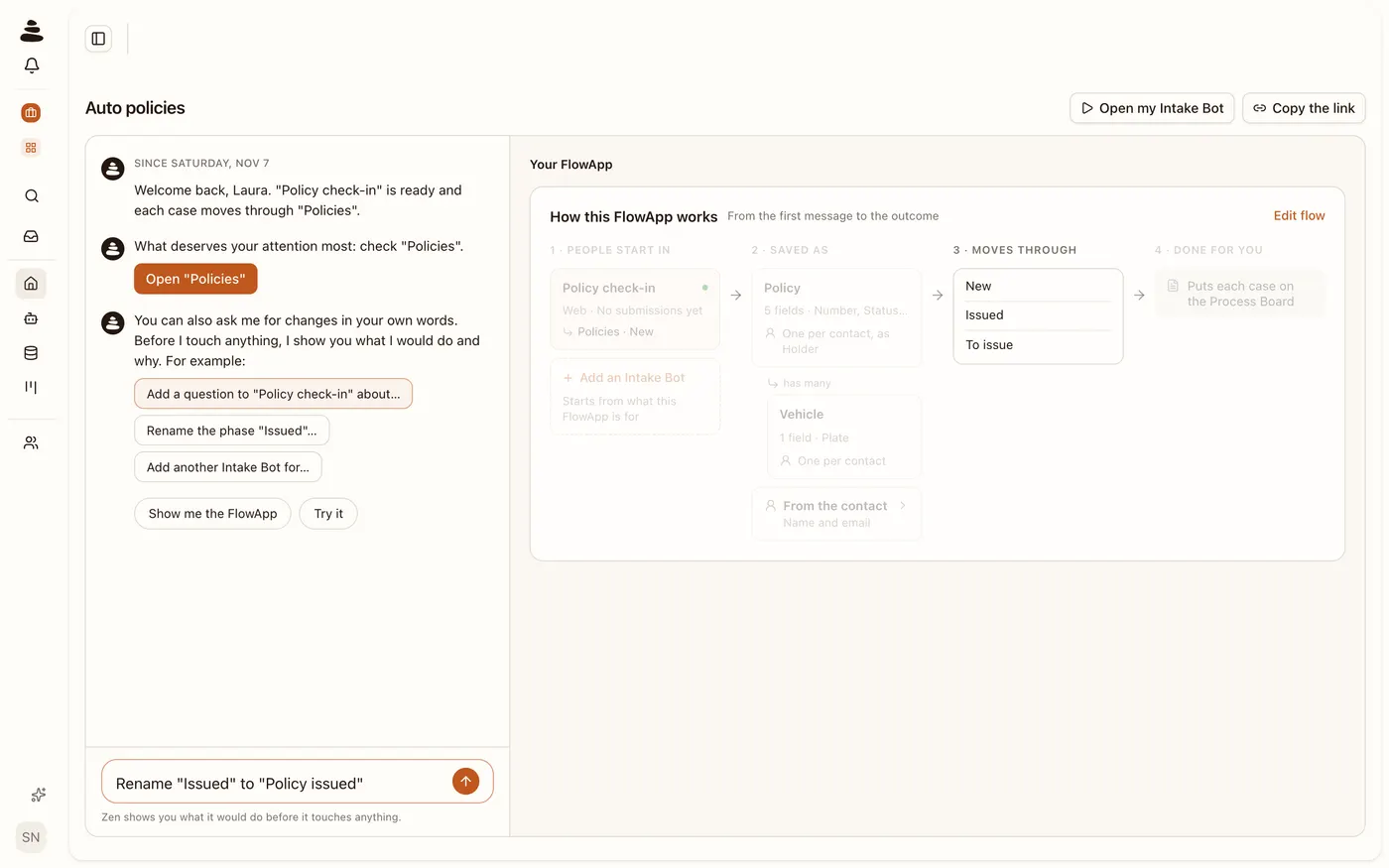 Ask Zen for a changeZen, ioZen's AI, changes your FlowApp when you ask in your own words. Before it touches anything it shows you what it will do, and it only does it when you tap “Build”.
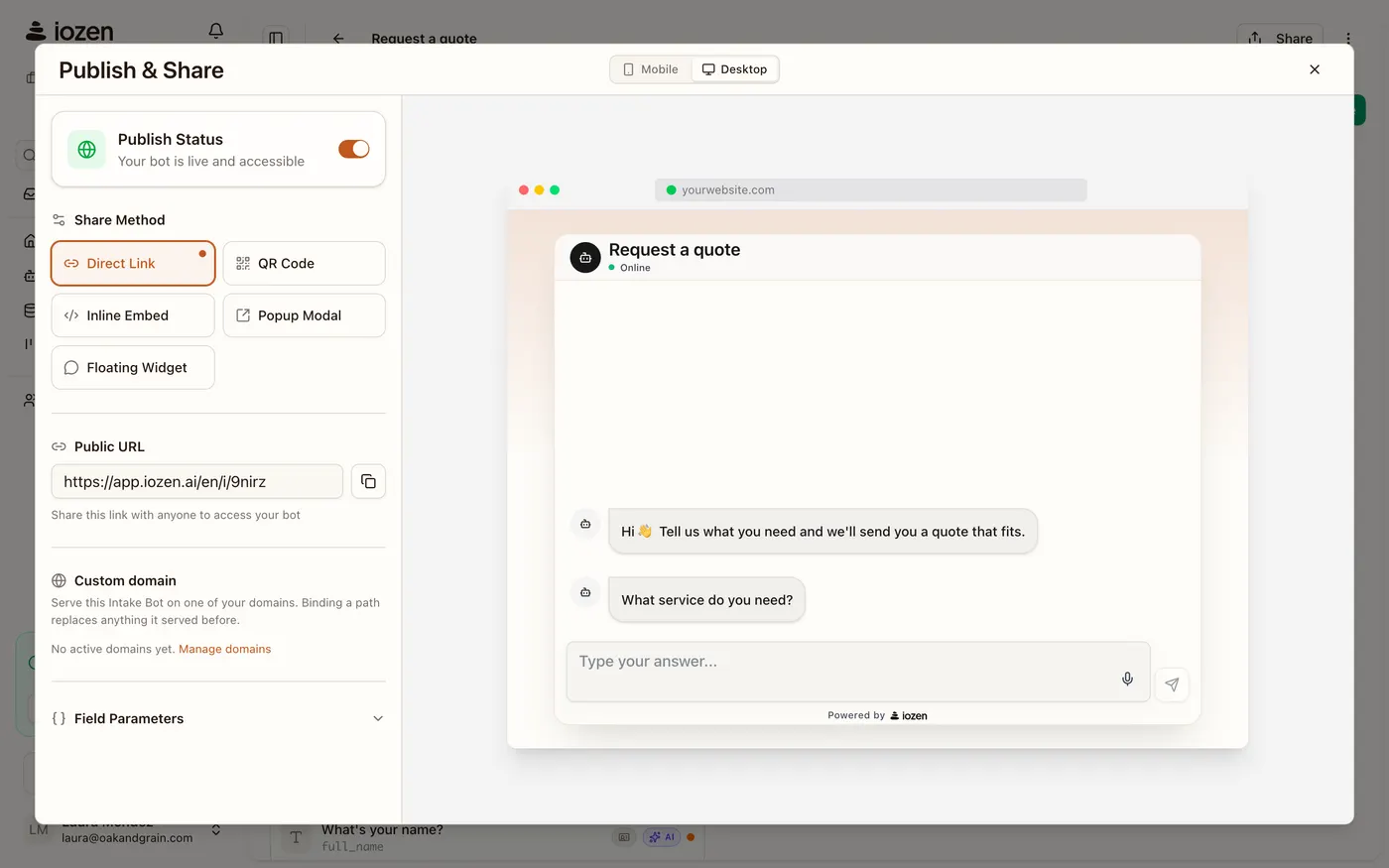 Share your Intake BotYour Intake Bot answers on a link you can send on WhatsApp, put in your Instagram bio or print as a QR code. Here's how to publish it and share it.
Everything in the docs
- 01Intake BotsQuestions, tone, scoring and how it goes live.
- 02Process Boards and casesPhases, assignment, rules and alerts.
- 03Tables and recordsKeep what matters and calculate amounts.
- 04ContactsEach person once, with what they already told you.
- 05ChannelsLink, QR code, your website and WhatsApp.
- 06AttributionWhere each case comes from, and how Meta, TikTok and Google Analytics hear about it.
- 07Integrations and APIWebhooks and the ioZen API.
- 08Account and teamInvite your team, roles and notifications.
- 09Plans and creditsWhat each plan includes and what credits pay for.
- 10Security and privacyHow we look after your data and private fields.