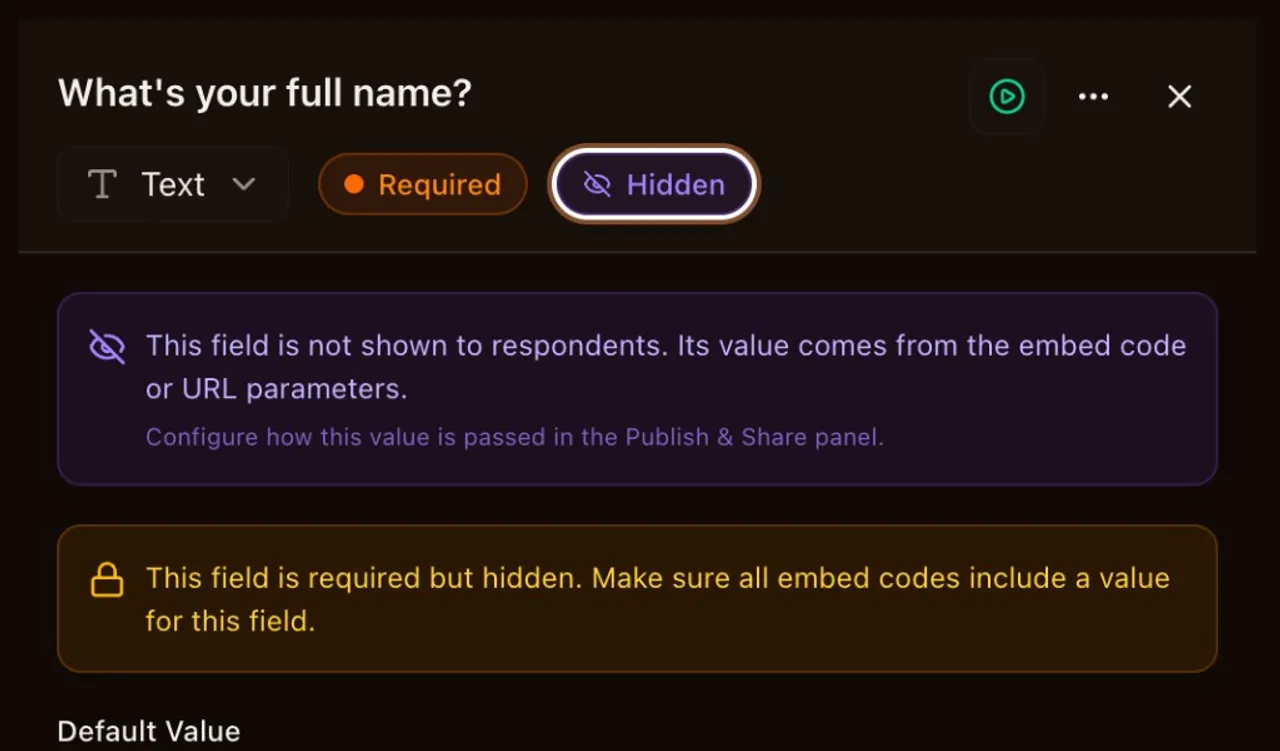

Hidden Fields & Data Passing
Pass values into IntakeBot submissions silently via embed code or URL parameters. Hidden fields collect data without showing anything to respondents.
Any IntakeBot field can now be marked as hidden. Hidden fields never appear in the conversation, but their values are saved with the submission and can drive conditional logic just like visible fields.
Values come from three places. Embed code attributes (data-fields) work for inline, popup, and widget embeds. URL parameters (?f.key=value) work for direct link sharing. And you can set static defaults in the field editor for values that stay the same across all submissions.
This opens up use cases that were impossible before. Pass a CRM record ID from your app into the IntakeBot so submissions link back automatically. Forward UTM parameters from your landing page into the submission for end-to-end attribution. Set an A/B test variant as a hidden field and branch conditional logic based on it. Track referral sources without asking the respondent anything.
Hidden fields are available on Pro and Business plans.
What's included in this release
Mark any IntakeBot field as hidden to pass values silently via embed code or URL parameters. Hidden fields are never shown to respondents but their values are saved with the submission and can drive conditional branching. Values can come from embed data-fields attributes, direct link query parameters (?f.key=value), or static defaults set in the field editor.