

It’s 11pm. You just found the perfect contractor for your kitchen renovation. Their portfolio looks great, the reviews are solid, and they’re in your area. You click “Request a Quote.”
What loads is a wall of 15 fields. Name. Email. Phone. Address. Project type. Square footage. Timeline. Budget range. How did you hear about us. And six more you don’t even read because your eyes have already glazed over.
You stare at it. You close the tab. You’ll deal with it tomorrow.

You won’t. That contractor just lost a customer.
So what’s a conversational form?
A conversational form asks one question at a time. Instead of dumping all 15 fields on your screen at once, it says something like: “Hey, what kind of project are you thinking about?” And then it waits for your answer before asking the next thing.
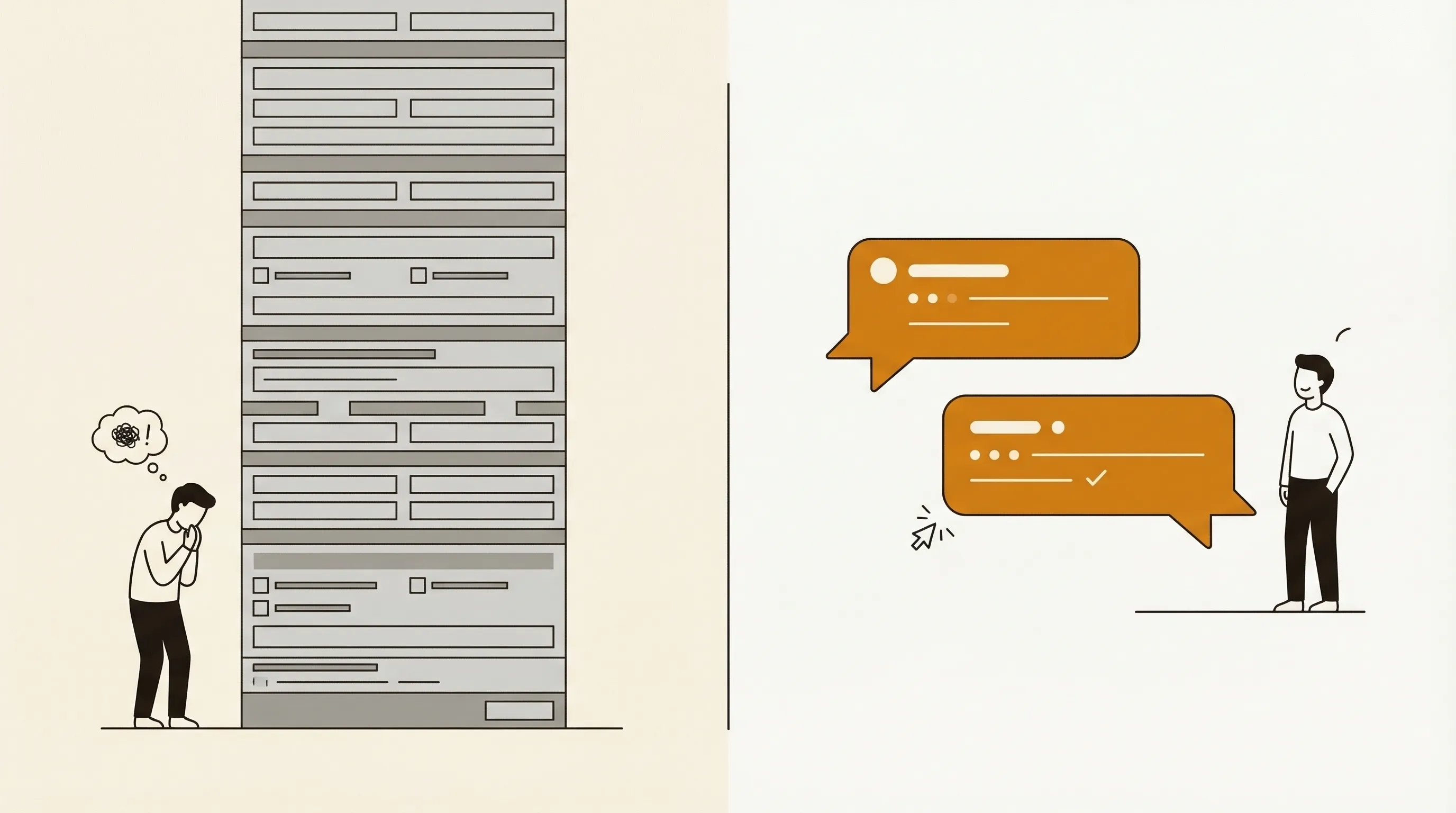
Think of it like texting versus filling out a tax return. Same information gets collected. Completely different experience.
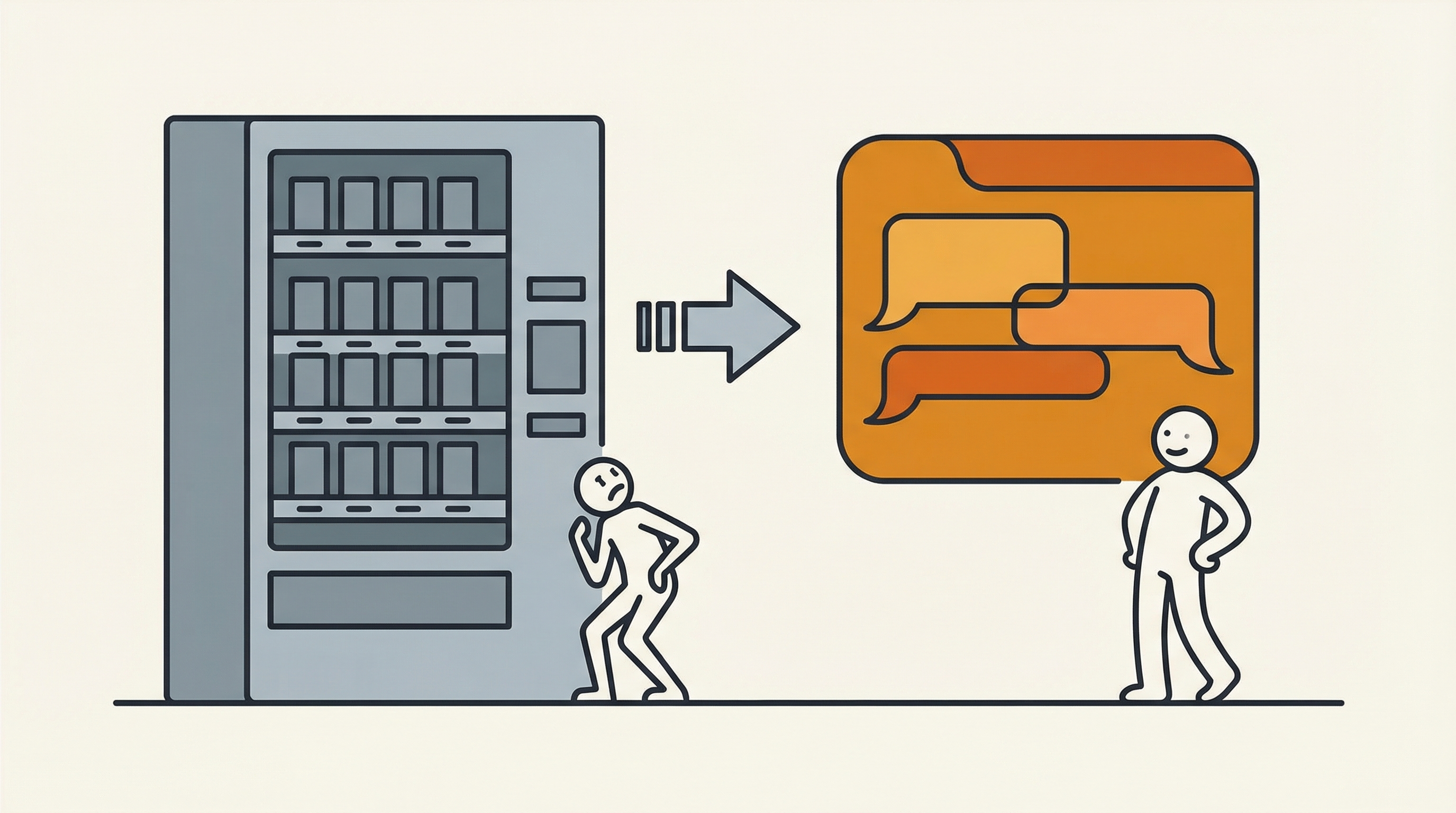
Traditional forms are designed for the person who processes the data. Conversational forms are designed for the person providing it. That’s the whole difference, and it turns out that difference matters a lot.
How they actually work
The concept is simple, but good conversational forms do a few things that static fields can’t.
One question at a time. This sounds minor. It isn’t. When someone sees 15 empty fields, their brain does a quick cost-benefit calculation: “Is this worth the effort?” Often the answer is no. When they see one question, there’s no calculation to make. They just answer it.
The conversation adapts. If someone says their project is “a small bathroom refresh,” there’s no reason to ask about structural permits or architect references. A smart conversational form skips questions that don’t apply based on previous answers. A traditional form shows every field to every person regardless.
Vague answers get follow-ups. Someone types “I need help with my website.” A regular form would just accept that and move on. A conversational form can ask: “Got it. Are you looking for a redesign, new features, or ongoing maintenance?” That follow-up turns a useless response into something your team can actually work with.
It feels like chatting. People write differently in a chat interface than in a form field. In a form field labeled “Describe your project,” people write “kitchen reno.” In a conversational flow that asks “Tell me about the project you have in mind,” people write “We want to redo our kitchen. The cabinets are from the 90s and the layout doesn’t work for how we cook. We’re thinking modern but warm, and we’d love a bigger island.” Same person. Same project. Ten times more useful.
Where conversational forms work well
Not every form needs to be conversational. A login screen with two fields? Leave it alone. But when you need someone to explain something, describe a situation, or provide context, conversational forms change the game.
Client intake. Law firms, agencies, consultants, therapists, accountants. Any business that needs to understand a new client’s situation before the first meeting. A client intake flow built as a conversational form gets you real context instead of one-word dropdown selections. You walk into the first call already knowing what the client needs. That’s the difference between “tell me about yourself” and “I see you’re dealing with X, let’s talk about how to approach it.”
Quote requests. Back to that contractor. Instead of a grid of fields, imagine a conversation: “What room are you renovating?” “Kitchen.” “Nice. What’s bugging you most about the current setup?” “The layout is terrible and the cabinets are falling apart.” Now the contractor has a real picture. They can quote better, respond faster, and the customer actually finished the process instead of closing the tab. The same pattern applies to any business that provides custom pricing. Insurance, home services, event planning, B2B software.
Feedback collection. “Rate your experience 1-5” tells you almost nothing. A conversational form that asks “What went well?” and then follows up with “Was there anything that frustrated you?” gets you paragraphs of actionable insight. People open up when the format invites them to.
For more scenarios, check out the client intake use case page.
The numbers
Here’s what we see with ioZen users who switch from traditional forms to conversational forms.
Completion rates go up by about 40%. That’s not a rounding error. If your current form gets 100 submissions a month, you’re looking at 140 with the same traffic. No extra ad spend. No redesign. Just a different way of asking.
Average response length jumps from 12 words to 47 words. People actually describe what they need instead of picking the closest option from a dropdown. That means your sales team, your support team, or your intake coordinator gets four times more context to work with before they even pick up the phone.
These aren’t lab numbers. They come from real businesses collecting real responses from real people who would have otherwise bounced.
How to build one with ioZen
You don’t need to code anything. ioZen’s AI form builder lets you describe what you want to collect in plain English. Something like: “I run a web design agency and I need to qualify new leads. I want to know their budget, timeline, what kind of site they need, and whether they have existing branding.”
The AI generates a complete conversational flow from that description. It figures out the right question order, adds smart follow-ups, and sets up conditional logic so each respondent only sees relevant questions.
You can customize the flow if you want. Change the wording, reorder questions, add or remove branches. Or just publish it as-is. Most people tweak a few things and ship it in under ten minutes.
If you prefer building without AI, the no-code form builder gives you a drag-and-drop interface to assemble the flow manually.
Either way, you get a shareable link, an embeddable widget, or a QR code. Responses come into ioZen organized and ready to act on.
See it in action
Here’s a quick demo of what building and using a conversational form looks like:
Try it yourself
The best way to understand conversational forms is to fill one out. Go to the demo page and try it as a respondent. You’ll feel the difference in about 30 seconds.
If you’re ready to build one for your business, sign up free. You can have your first conversational form live before lunch.
That kitchen contractor? If they’d used a conversational form, you would have finished the quote request at 11pm. They would have woken up to a detailed project description. And you’d probably be getting your kitchen redone right now instead of reading about forms on the internet.
But hey, at least now you know what to tell them.
Tags:

Written by
Jay Moreno
Founder & CEO, ioZen
Technical founder with 20+ years building platforms across Latin America. Founded PATIOTuerca (first Ecuadorian startup to IPO), Vive1, Evaluar.com, and Taxo. Now building ioZen to liberate humanity from bureaucracy.