



There are approximately one million no-code form builders on the market right now. Okay, maybe not a million. But it feels like it. Every single one promises “easy” and “no code.” And every single one expects you to drag fields around, configure dropdowns manually, wire up conditional logic one rule at a time, and spend 45 minutes building something that should take two.
I’ve used most of them. Some are great. Some are fine. Some make me want to close my laptop and go for a walk.
The problem isn’t that these tools are bad. The problem is that “no code” has become meaningless. If you still need to click 47 times to build a form, you’re not really doing “no code.” You’re doing “no code, but lots of clicking.” That’s a different thing.
What “no code” used to mean
In 2015, drag-and-drop was a revolution. Before that, you needed a developer to build a web form. Or you used some terrible WordPress plugin that broke every time you updated PHP. Drag-and-drop was genuinely exciting. You could pick a text field, drop it on a canvas, pick another text field, drop it below. Magic.
That was ten years ago.
We’ve had a decade of AI progress since then. Language models can write code, generate images, compose music, and pass the bar exam. But most no-code form builders still want you to manually drag a “Short Text” field onto a canvas and type “What’s your name?” into a label. In 2026. While the rest of the software world has moved on.
The bar has shifted. “No code” in 2026 should mean: describe what you need and get it. Not “here’s a blank canvas, good luck.”
What to actually look for
If you’re evaluating form builders right now, here’s what I’d pay attention to.
AI generation that actually works
Can you describe your form in plain language and get something usable? Not a half-baked template with placeholder text, but an actual form with the right fields, sensible validation, and conditional logic already wired up. This is the baseline now. If a tool can’t do this, it’s competing in 2022.
What happens after the form gets filled
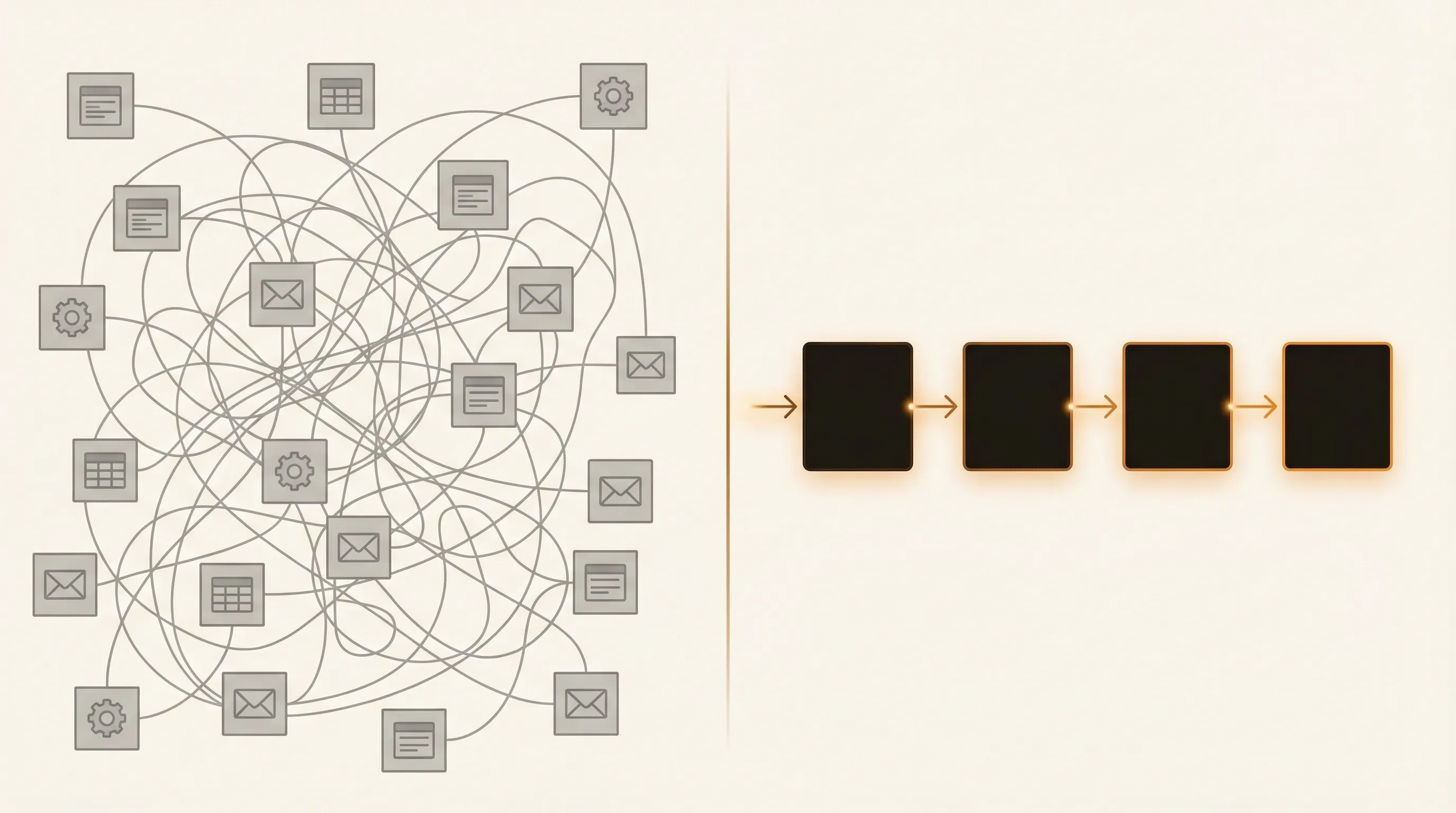
Here’s the thing nobody talks about in form builder reviews: the form itself is maybe 20% of the problem. The other 80% is what happens next. Someone fills out your form. Then what? You get an email notification. You copy the data into a spreadsheet. You send a follow-up email manually. You assign it to a team member via Slack. You forget about it for three days.
A good tool in 2026 handles the whole flow. Intake, processing, routing, follow-up. If your form builder requires you to bolt on three other SaaS products to do anything useful with the data, you’re paying for a feature gap.
Data quality, not just data collection
Most forms collect whatever people type and call it a day. But anyone who’s dealt with form submissions knows the pain: vague answers, missing context, half-completed fields. A good conversational form can ask smart follow-up questions when someone gives a vague answer. “Tell me more about your budget” beats a blank text field that says “Budget” and accepts “idk” as a valid response.
Honest pricing
This is a personal pet peeve. Some form builders charge $50/month just to remove their logo from your form. Others gate basic features behind “Business” plans. I get that companies need to make money. But when a free plan limits you to 10 responses per month, that’s not a free plan. That’s a demo.
Look for tools where the free tier lets you do real work. Where the paid plans charge for genuine value, not for removing artificial restrictions.
Honest takes on the popular ones
I’ve used all of these. Some I like. Some I respect but wouldn’t choose. Here’s where I land.
Google Forms
Free, works, ships with every Google account. For internal surveys and quick polls, it’s hard to beat. But it looks like a Google product from 2014, because it is. If you’re sending a Google Form to a potential client as part of your intake process, you’re telling them that your business runs on free tools. Sometimes that’s fine. Sometimes it isn’t. How ioZen compares to Google Forms →
Typeform
The beautiful one. Typeform made conversational forms mainstream and the one-question-at-a-time interface is genuinely pleasant to fill out. The problem is everything that comes after. You fill out a Typeform, and then… you need Zapier to send it somewhere, Airtable to store it, and maybe Make.com to route it. A $30/month form builder that requires $100/month in integrations to be useful isn’t really a $30/month form builder. How ioZen compares to Typeform →
Jotform
The feature-rich one. Jotform has templates for everything. Medical forms, event registrations, job applications, you name it. Thousands of them. The trade-off is that the interface feels like it was designed during a different era of the internet. It works. It’s just not fun to use. And the pricing tiers can get confusing. How ioZen compares to Jotform →
Tally
The indie darling. Tally is clean, fast, and has a generous free tier. The Notion-style interface is refreshing, and for simple forms it’s one of the best options out there. Where Tally falls short is when you need more: workflow automation, AI generation, conditional logic beyond the basics. It’s great until you outgrow it, and most growing businesses outgrow it pretty fast. How ioZen compares to Tally →
Where ioZen fits
I’m biased here, obviously. I built ioZen. But let me tell you why, and you can decide if it matters to you.
I built ioZen because I was tired of the gap between “collecting information” and “doing something with it.” Every other tool treats the form as the product. Fill it out, get a spreadsheet row, done. But for most businesses, the form is just the starting point of a process.
ioZen takes an AI-first approach to form building. You describe what you need, and the AI builds a complete IntakeBot with the right fields, validation, and conditional logic. No dragging. No configuring dropdowns. No wiring up rules one at a time.
But the form is just the beginning. Each IntakeBot lives inside a FlowApp, which is a complete workflow container. Intake, processing, routing, outcome tracking. One tool instead of four.
The free plan lets you do real work. Not 10 responses per month. Real work.
What it looks like in practice
Here’s a concrete example. You type: “I need a quote request form for a web design agency.” Thirty seconds later, you have a working IntakeBot with a project type selector, a URL field for their current website, a timeline picker, a budget range, and conditional logic that only asks about existing site details if they pick “redesign.” You didn’t drag anything. You didn’t configure anything. You described what you needed and got it.
And then when someone fills it out, the submission doesn’t just sit in a spreadsheet waiting for you to notice. It lands on a Process Board where you can track it, assign it, follow up, and close it. The whole lifecycle in one place.
The bottom line
The no-code form builder market is crowded. Most of the options are fine. Some are genuinely good at specific things. But if you’re still spending 30 minutes dragging fields around to build something an AI could generate in 30 seconds, you’re spending time you don’t need to spend.
Try the tools. Compare them honestly. And if you want to see what AI-first form building actually looks like, give ioZen a try. The free plan doesn’t expire and there’s no credit card required.
Check out the pricing page if you want to see what the paid plans include, or jump straight to the demo if you want to see it in action first.
Tags:

Written by
Jay Moreno
Founder & CEO, ioZen
Technical founder with 20+ years building platforms across Latin America. Founded PATIOTuerca (first Ecuadorian startup to IPO), Vive1, Evaluar.com, and Taxo. Now building ioZen to liberate humanity from bureaucracy.