



You’ve probably done this yourself. You land on a contact page, start filling out the form, hit question nine out of twelve, and realize you don’t have the information they’re asking for. Or you just get tired of it. You close the tab.
Where did your answers go?
On most platforms, they went nowhere. The moment you closed that tab, every field you filled out was gone. The business that spent money getting you to their website has no idea you were ever there, what you needed, or where exactly you stopped.
That’s the default behavior for traditional forms. And most businesses have no idea it’s happening.
The problem with submit-only saving
Standard form builders (Google Forms, Typeform, most CRM-embedded forms) save nothing until you click Submit. Everything you type lives in the browser until that final button gets pressed. Close the tab, lose power, get a phone call, lose focus: the data disappears.
This matters more than it sounds. A meaningful percentage of people who start filling out a form never finish it. The exact number depends on the form and the industry, but it’s consistently high. And it’s not because those people weren’t interested. They got interrupted. They didn’t have the answer to one specific question. The form got long enough that it stopped feeling worth it.
Those people started a conversation with your business and then stopped. You got nothing.
The drop-off point is information
Here’s what changes when you can see where people stop: you find out which question is the problem.
If you watch the data and 60% of people are making it to question 7 before closing, question 7 is probably too hard, too vague, or asks for something people don’t have on hand. That’s actionable. You can fix it.
Without partial data, you just know that your form’s completion rate is lower than you’d like. You don’t know why.
The gap between “I know my form underperforms” and “I know exactly where people quit and why” is the gap between guessing and fixing.
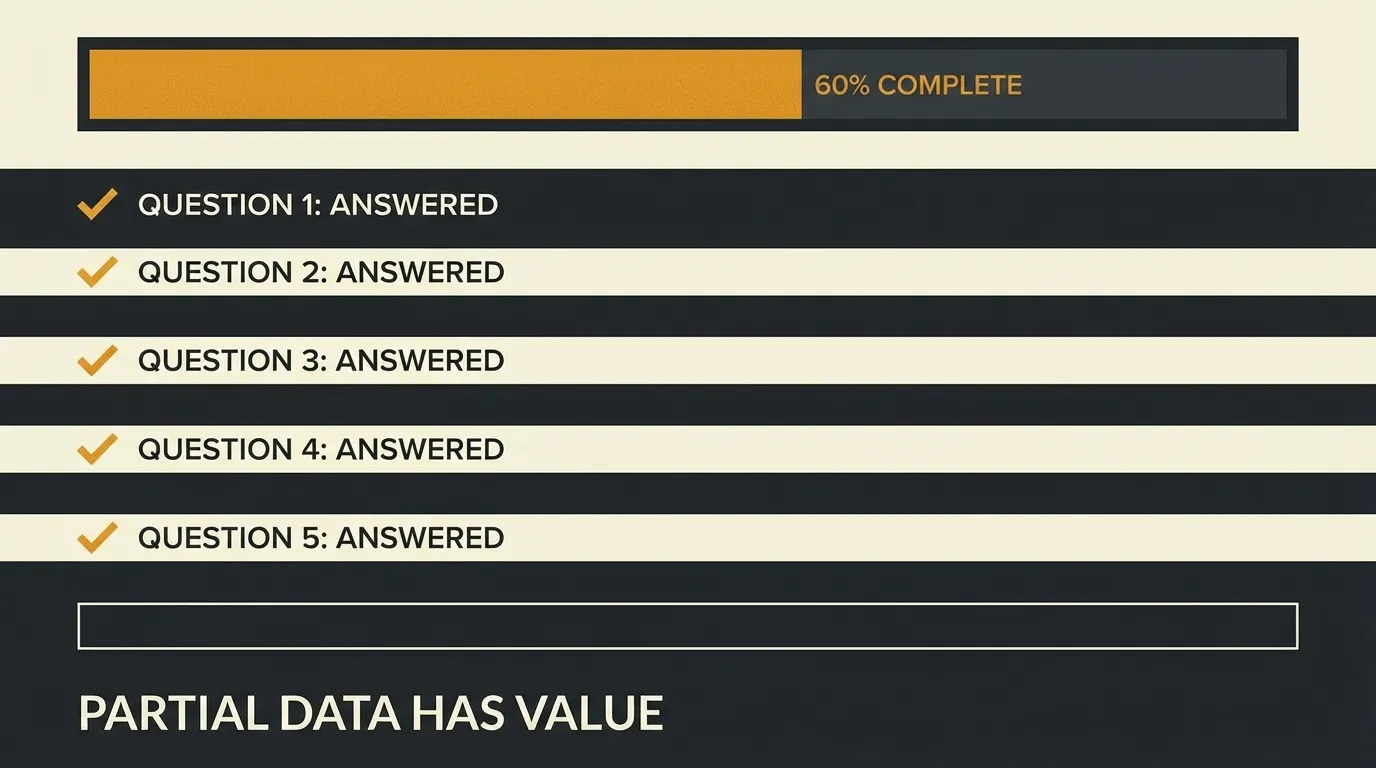
Partial data is still useful data
There’s a second thing that gets overlooked: even incomplete answers are worth something.
Someone who told you “I’m looking for a contractor to redo my kitchen, my timeline is Q3, and my budget is somewhere around $25k” and then closed the tab when you asked for their address gave you a lot. They’re not a cold name in a database. They have a specific project, a timeline, and a budget. That’s a warmer lead than most people on your contact list.
But on a traditional form, that person doesn’t exist. You never knew they were there.
When every answer saves the moment it’s typed, partial submissions become partial leads. Not as good as a completed form, but not nothing either. The aggregate view of where different types of people stop tells you things about your intake process that a completion rate number never can.
What we built around this in ioZen
When we built ioZen, we made the decision to save every answer independently, the moment it’s given. So a conversation that stops at step 6 of 10 shows up in your contact view with five answered questions, a timestamp, and a drop-off point.
Users started telling us this was one of their favorite features. One person told me they’d never realized how much data they were losing until they could finally see it. Another said the drop-off analytics alone were worth switching for. Not because ioZen fixed their completion rate immediately, but because they finally understood where the problem was.
That’s what you’re missing when your form saves nothing until Submit.
If you’re curious what this looks like in practice, you can try ioZen free. It takes a few minutes to build your first FlowApp, and the partial submission view is on by default.
Tags:

Written by
Jay Moreno
Founder & CEO, ioZen
Technical founder with 20+ years building platforms across Latin America. Founded PATIOTuerca (first Ecuadorian startup to IPO), Vive1, Evaluar.com, and Taxo. Now building ioZen to liberate humanity from bureaucracy.